Admin Dashboard
Your site shell, ready to configure
Use this starter dashboard to map pages, add content, and track what’s left to build. Everything is intentionally generic—wire up navigation, customize sections, and replace placeholders when you’re ready.
Blank placeholders
Quick setup flow
Editable sections
Quick actions
Next steps
Add your pages
1 min
Connect navigation
2 min
Upload brand assets
5 min
Publish when ready
10 min
Quick Actions
Starter cards for your dashboard layout
Use these placeholders to map future pages, tools, and workflows. Replace titles, images, and prices with real content when ready.
Setup
Site Setup Checklist
Track essentials like pages, branding, and domain settings.
—
Pages
Draft Page Structure
Outline navigation and add placeholder sections to each page.
—
Content
Content Queue
List items to write, review, and publish across the site.
—

Admin Overview
A clean dashboard shell to build on
Use this space as a flexible starting point for your site’s admin layout. Add pages, create navigation, and swap in real content when you’re ready. Everything here is intentionally minimal—designed to help you organize sections, test layouts, and confirm structure before publishing anything public-facing.
Quick Start
Three steps to launch
Plan pages
Outline the pages you need and decide what belongs in each section before writing content.
Add content
Create placeholders, then replace them with real copy, images, and links when approved.
Publish when ready
Review navigation and settings, then push your updated structure live on your timeline.
Core features
A clean admin shell to build on, fast
Dashboard Layout
Start with a structured dashboard layout that’s easy to extend with new pages and widgets.
Quick Setup
Use a simple setup flow to configure basics now, then refine details later as needed.
Content Blocks
Add, reorder, or replace generic content blocks to match your future pages and sections.
Access Ready
Keep admin-style navigation and access patterns in place while you define roles and rules.
Placeholders
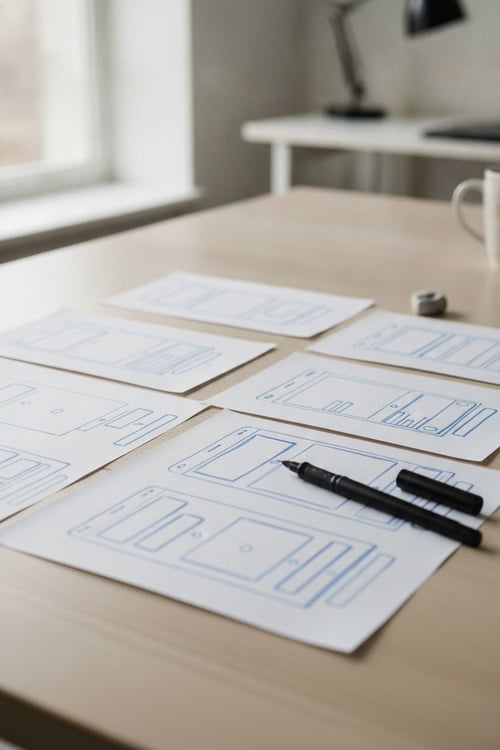
Sample Media Gallery Layout


Next step